 Build my stack
Best Invoicing Software for Freelancers
Getting paid should be the easy part. We compared the top invoicing and accounting tools on price, speed, and how quickly they get money into your account.
FreshBooks
Freelancers and solo business owners who want simple invoicing and expense tracking. Invoicing and accounting designed for freelancers.
How they compare
| Tool | Rating | From | Free tier | Best for |
|---|---|---|---|---|
 FreshBooks FreshBooks | 4.24.2 out of 5 | $19/mo | Freelancers and solo business owners who want simple invoicing and expense tracking | |
 QuickBooks Online QuickBooks Online | 4.24.2 out of 5 | $35/mo | Growing small businesses that need full accounting, payroll, and inventory management |
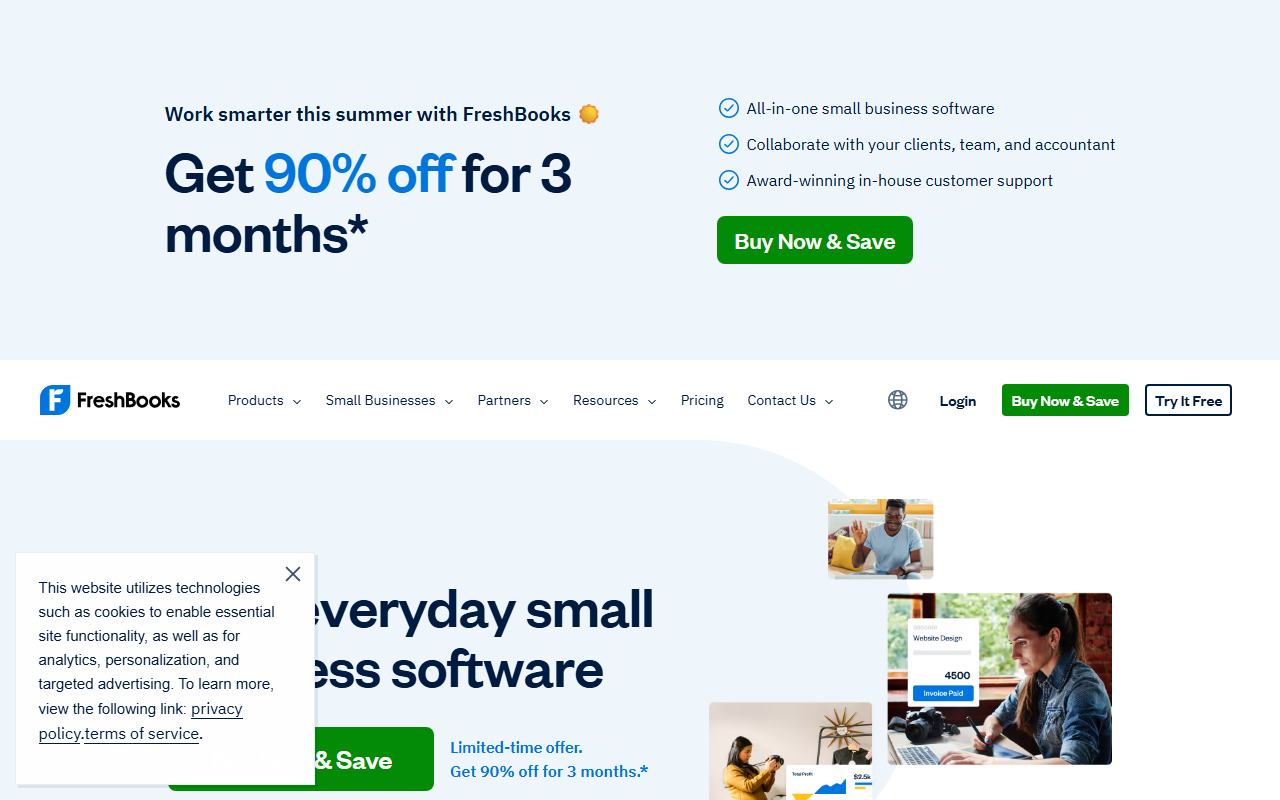
FreshBooks is our overall winner because it treats invoicing as the center of the product, and invoicing is the center of freelancing. Time tracking lives right next to the invoice, so billable hours flow into a bill without a second system. Clients pay by card, ACH, Apple and Google Pay, and Buy Now Pay Later, which gets money in fast. It runs full double-entry accounting in the background, so your accountant sees real books, not a partial ledger.
FreshBooks Lite only bills 5 clients. If you have a handful of regulars that is fine, but as soon as you grow to about 5 to 10 clients the Plus plan at $43 a month is the real price of admission, and that is the honest number for most working freelancers.
FreshBooks is invoicing and accounting designed for freelancers. FreshBooks is the most polished invoicing and accounting tool for freelancers and very small businesses. The invoice builder is excellent, expense tracking is intuitive, and the mobile app lets you capture receipts and send invoices from anywhere. The trade offs are clear once your business grows beyond one person. Multi user support is limited. The reporting is basic compared with QuickBooks. And the price per user is high for what you get. But for a freelancer who just wants to send professional invoices, track expenses, and look professional to clients, FreshBooks delivers the best user experience in small business accounting.
Across our hands-on testing, what kept standing out was invoice builder is the most polished in the small business accounting category and expense tracking with mobile receipt capture saves hours of manual entry. The honest trade-off is client and team member limits feel restrictive on lower plans, and we have weighed that into the score below rather than hiding it. If you are shopping for accounting & invoicing and you fit the profile of freelancers and solo business owners who want simple invoicing and expense tracking, FreshBooks earns a place on your shortlist.
Invoice Builder
Professional invoice templates with customizable colors, logos, and fields. Invoices support line items, discounts, tax rates, and payment terms. Clients can pay online with one click. Automated payment reminders send at configurable intervals. Invoice status tracking shows sent, viewed, paid, and overdue.
Expense Tracking
Track expenses by category, attach receipt photos via mobile app, and reconcile against bank transactions. The expense AI auto categorizes transactions. Receipt OCR extracts vendor, amount, and date. Expenses can be marked as billable and added to client invoices.
Time Tracking
Built in timer and manual time entry for hourly billing. Track time by client and project. Logged time converts to invoice line items with one click. Reporting shows billable vs non billable hours per client and project. Mobile timer works offline.
What we like
- Invoice builder is the most polished in the small business accounting category
- Expense tracking with mobile receipt capture saves hours of manual entry
- Time tracking integrated with invoicing streamlines hourly billing
- Client portal presents a professional image with shared project files and invoices
- Automated late payment reminders reduce average payment times
- Bank reconciliation is straightforward with automatic transaction matching
- Multi currency support for international freelancers
- Estimate to invoice conversion with one click when client approves
- Tax categorization and reports make tax season preparation easier
Worth noting
- Client and team member limits feel restrictive on lower plans
- Reporting is basic compared with QuickBooks or Xero
- Multi user support is limited and expensive per additional user
- Not suitable for businesses with employees or inventory
- Bank feed connections can be unreliable and require re authorization
- Expense categorization AI makes errors that need manual correction
- No built in payroll for most markets
- Project profitability reporting requires the expensive Premium plan
FreshBooks starts at $19/mo. The sweet spot for most teams is the Plus plan at $33/mo.
Full pricing breakdown- Freelancers and solo business owners who want simple invoicing and expense tracking
- Teams that value invoice builder is the most polished in the small business accounting category
- Users who need expense tracking with mobile receipt capture saves hours of manual entry
- Is FreshBooks worth it in 2026?
- FreshBooks is the most polished invoicing and accounting tool for freelancers and very small businesses. We scored it 4.2 out of 5 after hands-on testing, and for freelancers and solo business owners who want simple invoicing and expense tracking it is an easy recommendation.
- How much does FreshBooks cost?
- FreshBooks starts at $19/mo on the Lite plan. There is no permanent free plan, though a trial is usually available.
QuickBooks is the name most people know, and its biggest asset is the ecosystem: more accountants and bookkeepers are certified in it than any other platform, which matters if you outsource your books. QuickBooks Self-Employed is the dedicated freelancer tier, though the product lines have blurred and many freelancers are also pointed at QuickBooks Online.
QuickBooks Self-Employed (simple, expense-focused) and QuickBooks Online (full double-entry accounting) are different products. If you invoice many clients or want inventory and payroll, Self-Employed feels limiting, and the upgrade path is QuickBooks Online.
QuickBooks Online is the accounting standard for small and growing businesses. QuickBooks is the accounting standard for a reason. It does everything a growing small business needs: invoicing, expense tracking, payroll, inventory, reporting, and tax preparation. The depth of features is unmatched in the small business category. The trade off is complexity and cost. QuickBooks requires a learning investment that FreshBooks does not. The pricing structure with per feature add ons can surprise you. And the interface, while improved, still carries legacy design from decades of feature accumulation. But for a business that needs proper accounting, not just invoicing, QuickBooks is the safe choice that you will not outgrow.
Across our hands-on testing, what kept standing out was most complete feature set of any small business accounting platform and deep financial reporting that satisfies accountants and tax preparers. The honest trade-off is complexity is significantly higher than FreshBooks. Requires 2 to 4 weeks to learn effectively, and we have weighed that into the score below rather than hiding it. If you are shopping for accounting & invoicing and you fit the profile of growing small businesses that need full accounting, payroll, and inventory management, QuickBooks Online earns a place on your shortlist.
Invoicing and Payments
Professional invoice builder with customizable templates, recurring invoices, and batch invoicing. Online payment processing via QuickBooks Payments with 2.9% + $0.25 per transaction. Automated payment reminders and late fee calculation. Invoice status tracking from sent to paid.
Payroll
Full service payroll with automated tax filing, direct deposit, and employee self service. Payroll runs on your schedule with automatic tax calculations. W2 and 1099 forms generated automatically. Available as an add on starting at $45/month plus $5/employee.
Inventory Management
Track inventory quantities, costs, and reorder points. Create purchase orders and receive stock against them. Inventory valuation methods include FIFO and average cost. Stock alerts notify you when items reach minimum quantities. Available on Plus and Advanced plans.
What we like
- Most complete feature set of any small business accounting platform
- Deep financial reporting that satisfies accountants and tax preparers
- Built in payroll with automated tax filing in the US
- Inventory management with cost tracking and reorder alerts
- Industry standard means your accountant probably already knows QuickBooks
- Powerful integration ecosystem with 750+ apps
- Multi currency accounting for international businesses
- Project profitability tracking for service businesses
- Sales tax automation for US based businesses
- Advanced budgeting and forecasting tools on higher plans
Worth noting
- Complexity is significantly higher than FreshBooks. Requires 2 to 4 weeks to learn effectively.
- Pricing adds up quickly with per user fees, payroll add ons, and promotion expiration.
- User limits on lower plans penalize small teams with multiple people needing access.
- Customer support quality has declined in recent years. Phone support is limited to higher plans.
- Bank feed connections are less reliable than competitors and require frequent re authentication.
- Auto categorization accuracy is lower than FreshBooks, requiring more manual corrections.
- Mobile app is functional but less polished than FreshBooks or Xero
- Interface design feels dated compared with modern competitors
QuickBooks Online starts at $35/mo. The sweet spot for most teams is the Essentials plan at $65/mo.
Full pricing breakdown- Growing small businesses that need full accounting, payroll, and inventory management
- Teams that value most complete feature set of any small business accounting platform
- Users who need deep financial reporting that satisfies accountants and tax preparers
- Is QuickBooks Online worth it in 2026?
- QuickBooks is the accounting standard for a reason. We scored it 4.2 out of 5 after hands-on testing, and for growing small businesses that need full accounting, payroll, and inventory management it is an easy recommendation.
- How much does QuickBooks Online cost?
- QuickBooks Online starts at $35/mo on the Simple Start plan. There is no permanent free plan, though a trial is usually available.
Tested, not guessed
Every tool in this guide was set up with real data and used for a genuine workflow, then scored on ease of use, value, support, and how well it fits Freelancers. We earn a commission if you buy through our links, and it never changes where a tool lands on the list.
No catch, just answers
The things readers ask us most about how GoPickStack works and stays independent.